WordHerd
← HomeDictionary Lookup
For speedy checking against a dictionary, this option sits on the home screen.
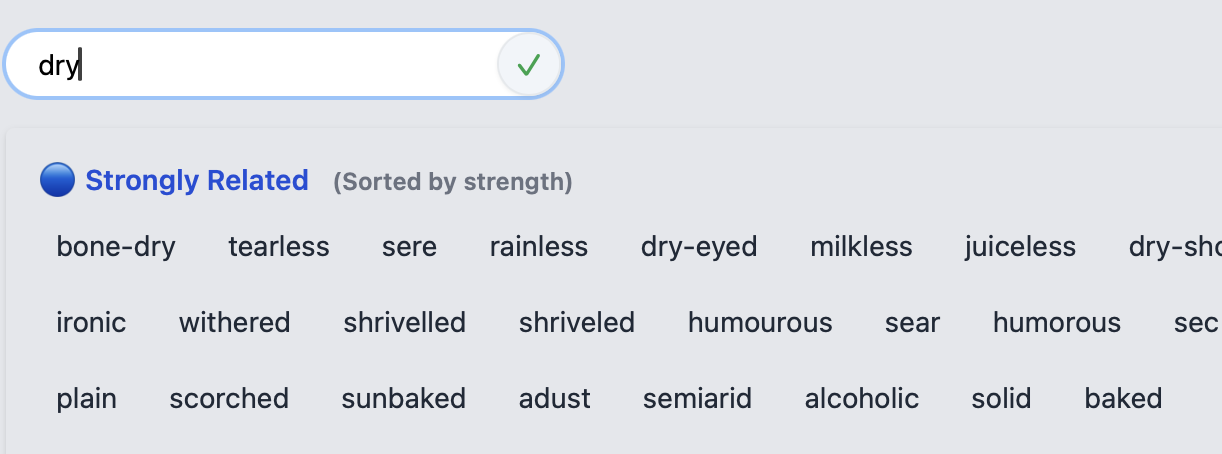
Clicking Dictionary Lookup will open a window where your word can be typed - as you type, a list of suggested words will be shown below - these are words that match the letters entered so far
Click on a word from the suggestions list - or keep typing until you have entered the word in full - and a definition will be displayed..
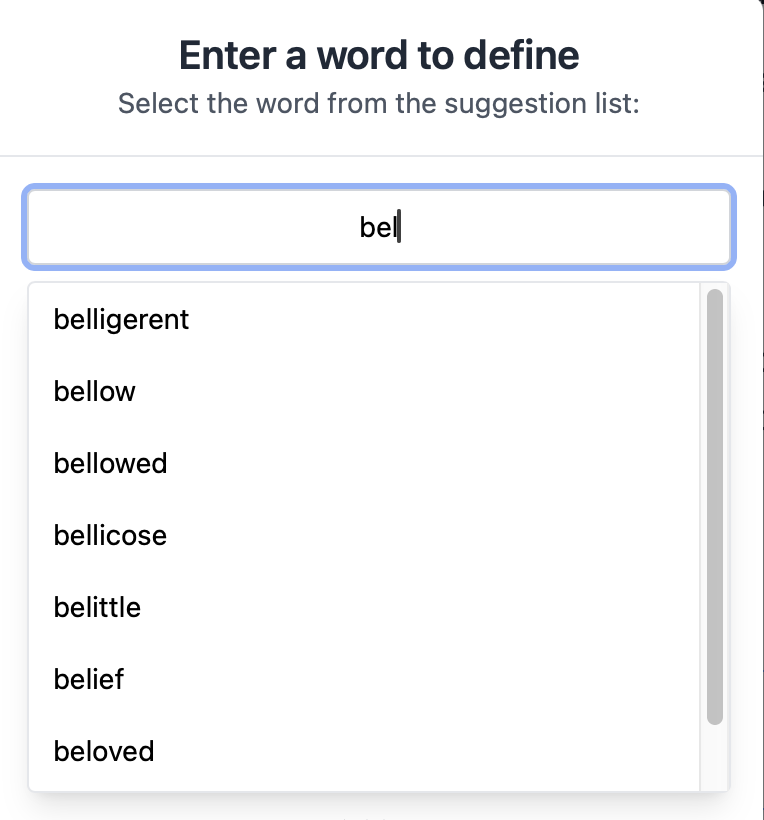
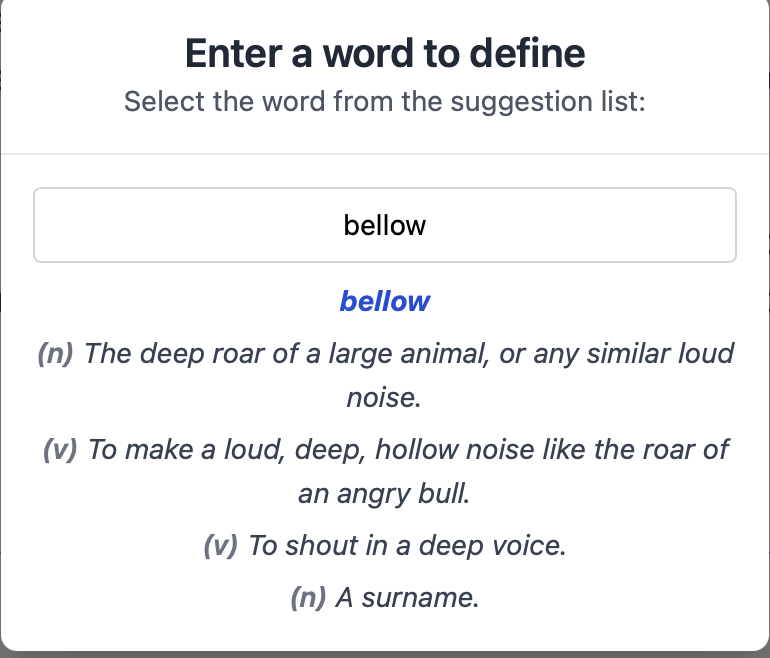
Pressing ESC or mouse-clicking anywhere outside of the definition box will make the popup box disappear.
Anagrams
For untangling anagrams, this is the option!
Simply enter the word to untangle. For each letter in that word, a box will appear, immediately below that word. If any positional letters in the target word are known, simply enter that letter in the equivalent box. For example:
- You have a 9-letter word to untangle but where each letter will be located in the untangled word isn't known; leave the boxes blank.
- You have a 9-letter word to untangle and untangled word should start with a P; enter P in the first box.
Press Enter or the green 'tick' button to start the string-untanglement process,
Entering letters in the filter boxes can be done before OR after the anagrams have been extracted
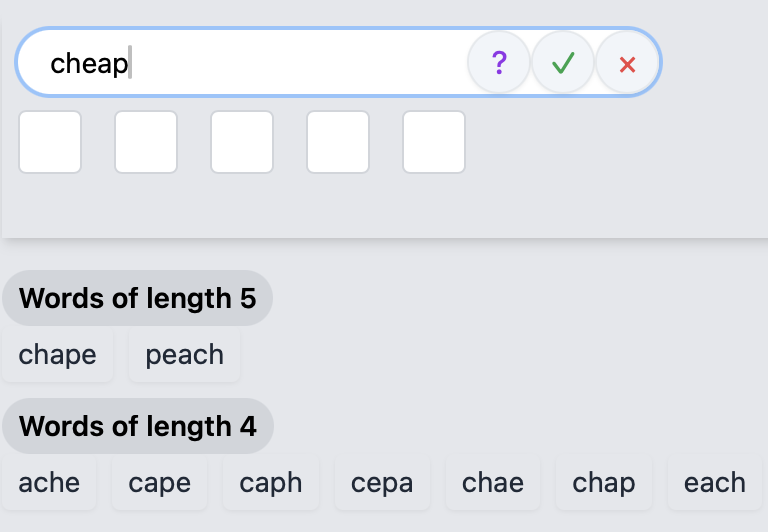
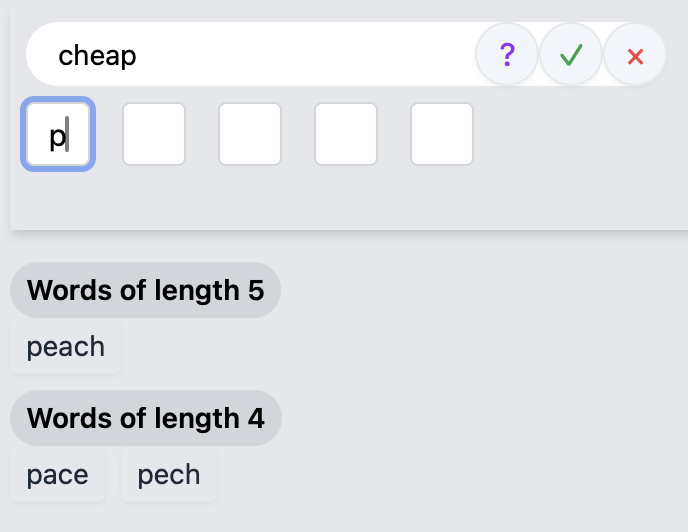
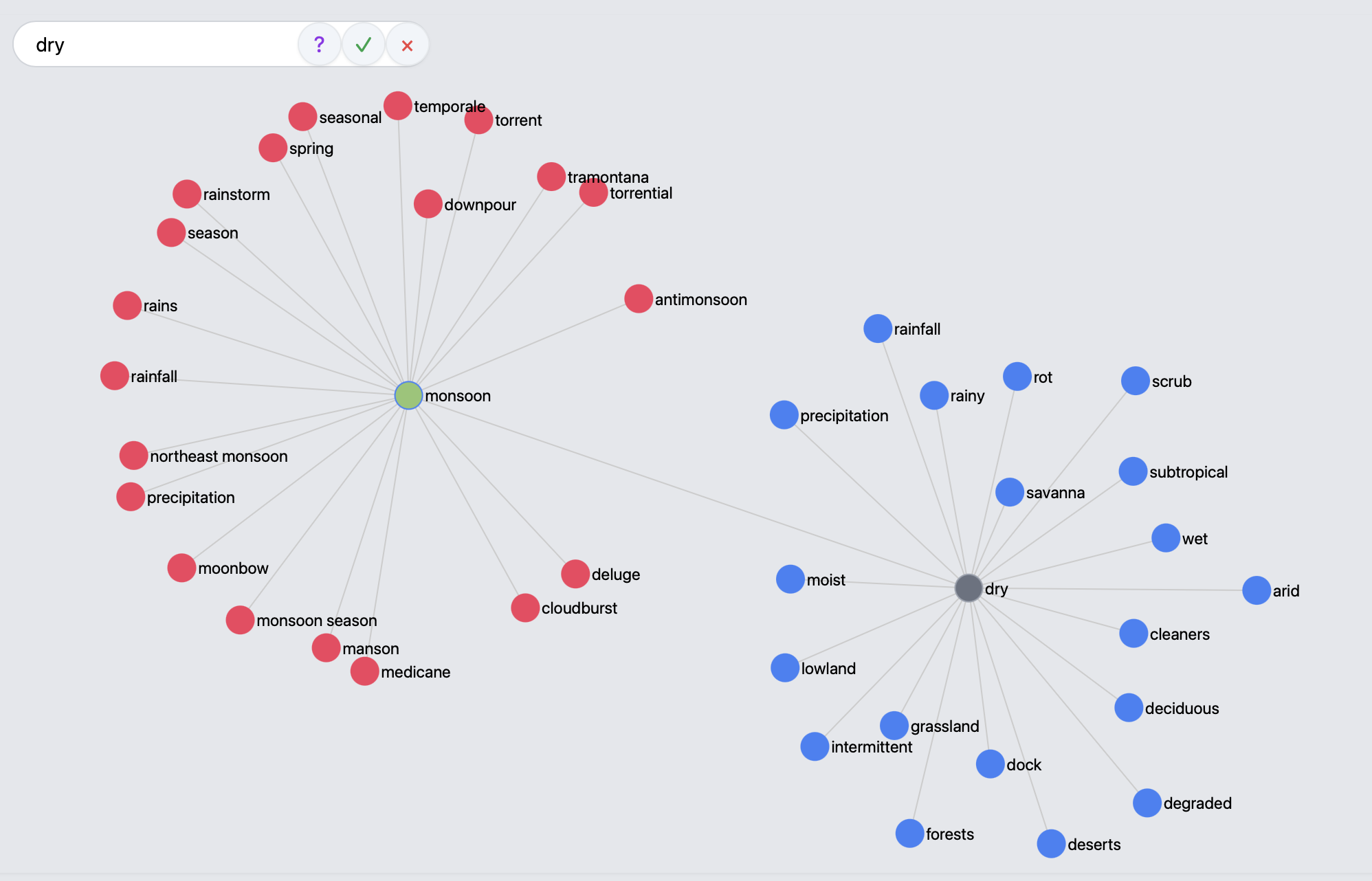
Clicking the red 'X' button will clear the previous results ready for the next anagram.
Clicking the purple '?' button will display a popup help screen.
Rhymes
For finding rhymes, this is the option!
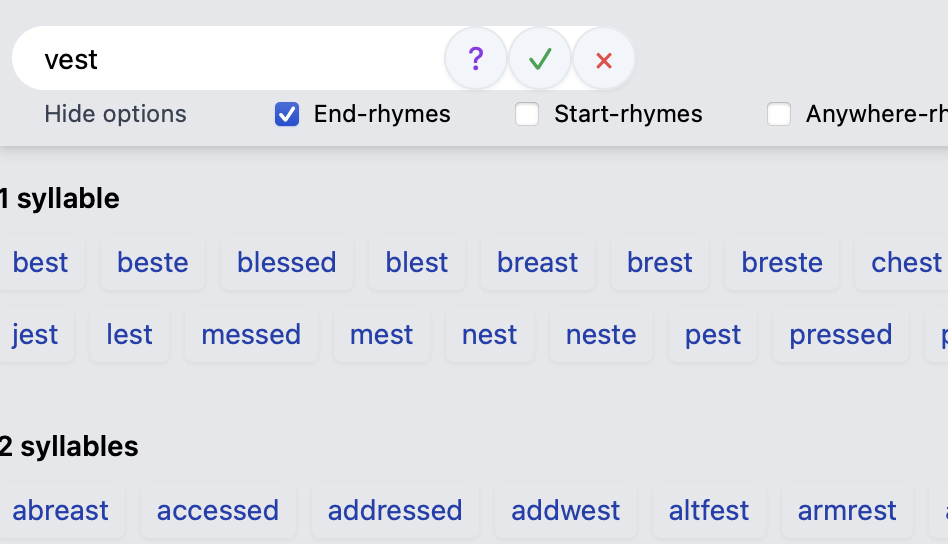
Simply enter a word and press Enter or the green 'tick' button.
Standard rhyme algorithms look for a matching stressed vowel + following consonants ('perfect rhymes'), which generally makes rhymes at or near the end of a word. So, for example, 'vest' and 'chest' are treated as rhymes, whilst 'vest' and 'festival' are not. That is the default method used by many rhyme-finders, including this.
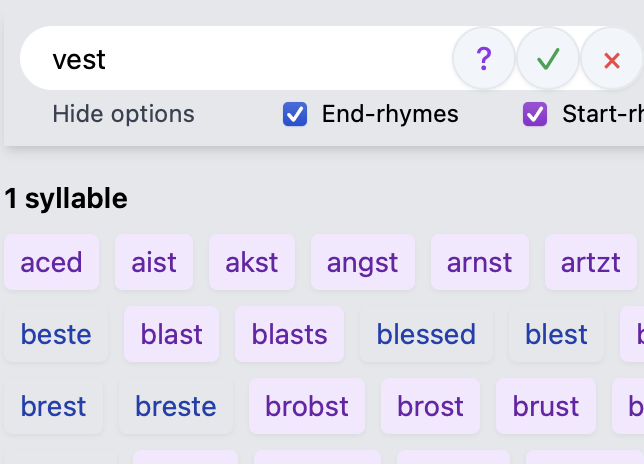
However, by selecting to 'View Options', we have the choice to also include words that rhyme at or near the start of a word BUT be aware that this does not always work as intended/expected. This section is subject to continued development...
Join the herd!!